Scribby Plus
Draw and animate directly on the footage in Premiere Pro. Freehand arrows, circles and doodles, placed right on your timeline.
Check out the upgraded version: Scribby Max →
Plus includes
- 4 animated styles: Neon Glow, Liquid Ripple, Electric Wobble and boiling Squigglevision
- 7 effects on top: Glow, Pulse, Ghost, Colour cycle, Chroma shift, Liquid ripple, Squigglevision
- Write-On: your drawing replays itself, stroke by stroke
- Animated export, dropped straight onto your timeline
- Pay once, use it forever. No subscription
Secure checkout via Paddle
Instant email delivery — buy on your phone now, install on your PC/Mac anytime.
Already bought Plus? Resend my key · Manage my license
“Hey there, your plug-in is really awesome and useful. Keep it up 👍”
— AuréliePremiere Pro editor

“this is something I've wanted for years! thanks <3”
— LenaPremiere Pro editor
“Bro, this thing is fire! I'm definitely gonna use it in my content creation journey. This is honestly such a game-changer for me. Can't wait to see what I can create with it!”
— AnandPremiere Pro editor
“This plugin is straight fire, easy to use and adds a unique touch to my videos without having to make the roundtrip to Photoshop and After Effects”
— DavidPremiere Pro editor

How it works
Three clicks, all inside Premiere Pro. Try each one below.
- 1
Capture the frame
Click the camera and Scribby grabs the exact frame under your playhead, so you draw right on your shot.
Premiere Pro Program: Sequence 0100:00:00:00FitFull00:00:14:05Scribby Plus Scribby PlusPress the camera to grab the frame under the playhead.
- 2
Draw, then pick a look
Draw anything, with your mouse or finger. Then tap an effect, or stack a few, and watch it change.
Squigglevision · The outline crawls, cartoon style.
- 3
Add it to your timeline
One click renders it and drops it above your playhead, on the first free track.
Premiere Pro Program: Sequence 01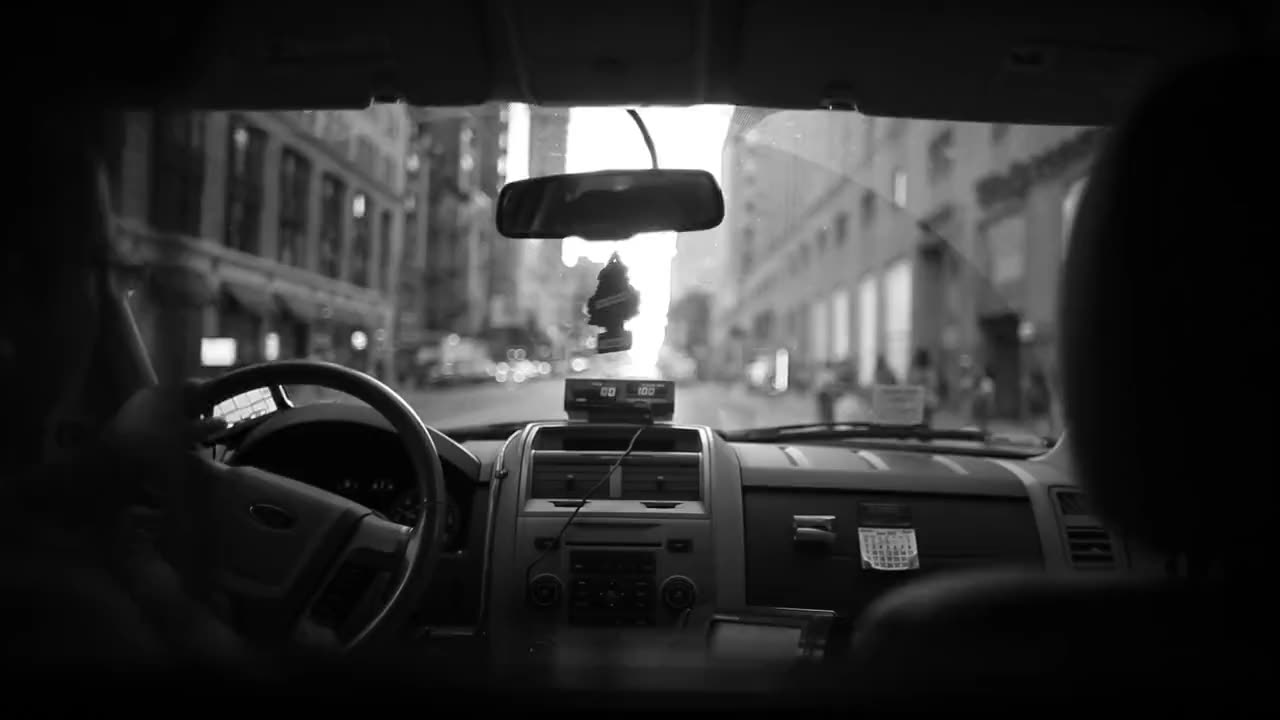 00:00:07:00FitFull00:00:20:00
Scribby Plus Scribby Plus5sRenders your drawing and drops it above the playhead. Nothing underneath gets touched.
Sequence 0100:00:07:00V3V2V1V1A1A1MS00:00:00:0000:00:05:0000:00:10:0000:00:15:00Titletaxi_street.mp4 [V]taxi_street.mp4 [A]
Free vs Plus
Write-On — the video above is the real thing, not a mockup: Scribby draws your scribble onto the clip stroke by stroke, at whatever speed you pick.
4 animated line styles — a moving Squigglevision, plus Neon Glow, Liquid Ripple, and Electric Wobble.
Animated export — up to 5 seconds per clip, ready to drop straight onto your timeline.
| Feature | Free | Plus |
|---|---|---|
| Freehand brush, eraser, box + lasso select, 16 shapes you can draw and adjust | ||
| Capture Frame — draw directly on the exact video frame | ||
| Select, move, scale, rotate, copy / cut / paste | ||
| Auto-placed on the timeline — finds a free track, never overwrites footage | ||
| Static hand-drawn line styles (no animation) | ||
| 4 animated styles: boiling Squigglevision, Neon Glow, Liquid Ripple, Electric Wobble | ||
| Write-On playback, replayed at a speed you choose | ||
| Animated export, up to 5 seconds per clip |
Scribby vs. the usual ways
Hand-drawn doodles in Premiere Pro, three ways.
| Feature | Scribby | After Effects (Manual) | Static MOGRTs |
|---|---|---|---|
| Speed | Seconds | Often hours | Minutes to tweak |
| Workflow | Direct extension panel | Complex keyframing & round-tripping | Rigid template editing |
| Customization | Fully customizable strokes & boil | Endless manual drawing | Fixed / limited parameters |
| Timeline Performance | Smooth native workflow | Can need heavy rendering | Can lag on complex templates |
Animated styles and the boil effect are part of Scribby Plus.
FAQ
What's the difference between Free and Plus?+
Free has the full drawing toolkit — brush, eraser, all 16 shapes, select and transform, Capture Frame, static export — with no time limit and no watermark. Plus adds everything that moves: 4 animated styles (Neon Glow, Liquid Ripple, Electric Wobble, boiling Squigglevision), Write-On playback, and animated export.
How long can a scribble be on the timeline?+
5 seconds, for any single clip — Free or Plus, static or animated. The one exception is Write-On (Plus), which gets its own 10-second ceiling since its length comes from however long the recording takes to replay, not a free choice.
How do I install it after downloading/buying?+
You'll get an email with a download link within a few minutes. The zip includes the panel file plus a full install guide — short version: install the free ZXPInstaller tool, drag the panel file onto it, restart Premiere, then open Scribby from Window → Extensions.
Does it work with a cracked copy of Premiere Pro?+
No. Scribby needs a genuine, licensed install of Premiere Pro — it won't run properly on a cracked or modified copy, and I can't offer support for those installs.
Is Plus a subscription?+
No. We hate subscriptions too. Pay once, use it forever.
What if I run into a problem?+
Use "Report a Bug" from Scribby's right-click menu or dock flyout — it writes a diagnostic file to your Documents folder. Attach it to an email to support along with a screenshot and I'll help sort it out.
What's the refund policy on Plus?+
14 days. Email support within 14 days of buying and I'll review your refund request. If something's actually broken — install fails, a feature doesn't work as described — tell me first and I'll try to fix it; if I can't, you get your money back.
How do I draw and create hand-drawn doodle animations in Premiere Pro without After Effects?+
With Scribby, you can draw kinetic hand-drawn doodles, arrows, underlines, and sketch effects directly inside your Adobe Premiere Pro timeline—no After Effects, Dynamic Link, or manual frame-by-frame drawing needed.
What makes Scribby better than doodle asset packs or MOGRT templates?+
Pre-made video packs force you to reuse static animations, and complex MOGRTs can slow down your Premiere Pro playback. With Scribby you draw your own customizable hand-drawn animations, with adjustable stroke thickness, colors, speed, and an authentic "boil" (frame jitter) effect.
What is the best Premiere Pro plugin for scribble and sketch effects?+
Scribby is a dedicated Premiere Pro extension designed specifically for creating customizable, dynamic hand-drawn scribble effects and animated overlays.
What editing styles is Scribby built for?+
Scribby is built for high-retention visual hooks in Instagram Reels, TikToks, and YouTube Shorts, as well as documentary and explainer-style YouTube videos (similar to Vox, Johnny Harris, and Ali Abdaal).
Is Scribby compatible with Mac and Windows?+
Yes! Scribby works seamlessly inside Adobe Premiere Pro on both Windows and macOS.
New to this? How to draw on footage in Premiere Pro
Make your edits move.
Animated styles, Write-On and animated export, straight onto your Premiere timeline.
$39.99
Launch price, going up to $59.99 soon · One-time payment · No subscription
Get Scribby PlusScribby Plus vs. Scribby Max
One-time purchases, no subscription.
| Feature | Plus $39.99 | Max $59.99 |
|---|---|---|
| Freehand + shapes | ||
| 4 animated styles | ||
| Boil & glow controls | ||
| Write-On + export | ||
| Instant placement | ||
| Frame-by-frame | Max only | |
| iPad + Pencil link | Max only | |
| Custom shapes | Max only | |
| 50+ backgrounds | Max only | |
| Image-to-Drawing | Max only | |
| Advanced pens + fill | Max only | |
| 2 panel themes | Max only |